
Tech Tips #7 – Never provide your Password
A bank, phone company, or other legitimate business will never ask you to provide your password on the phone or in an email. A password should only be used to log in to an account. Get more tips on passwords…
Tech Tips #6 – Check your Downloads folder
If you've ever downloaded a file from your web browser and can't find it, don't forget to check your Downloads folder. You can get there using the File Explorer app on Windows, the Finder app on Mac, or the Files…
Tech Tips #5 – Use Wi-Fi instead of Mobile Data
If you notice you're using too much data on your phone plan, consider connecting your phone to Wi-Fi where available, especially when at home. You may need to also set your device to "prefer" Wi-Fi over mobile data. This option…
Tech Tips #4 – Keep your Devices Updated
Updating your phone, tablet, or computer can be inconvenient, but it's crucial to keeping your data secure. Many updates include security patches to protect against exploits by bad actors. If you notice your device isn't receiving updates anymore, it may…
Tech Tips #3 – Beware Public Wi-Fi
Public Wi-Fi can be found in many businesses such as coffee shops and hotels. It's convenient, but it may not be secure. If you must use it, consider a trustworthy Virtual Private Network (VPN) to keep you safe while you're…
Tech Tips #2 – Restart to Fix Issues
It may sound obvious, but restarting your computer can fix a lot of common problems. Just remember to use the power options in your Start Menu (Windows) or Apple Menu (Mac) to reboot - don't force shut down with the…
Tech Tips #1 – Turn On MFA
Multifactor authentication (MFA) is not enabled by default on many online accounts, but it's crucial for protecting yourself. You can usually turn it on by going to your profile, Options, or Security Settings in the app or on the website.
MDM+: Device Management Services
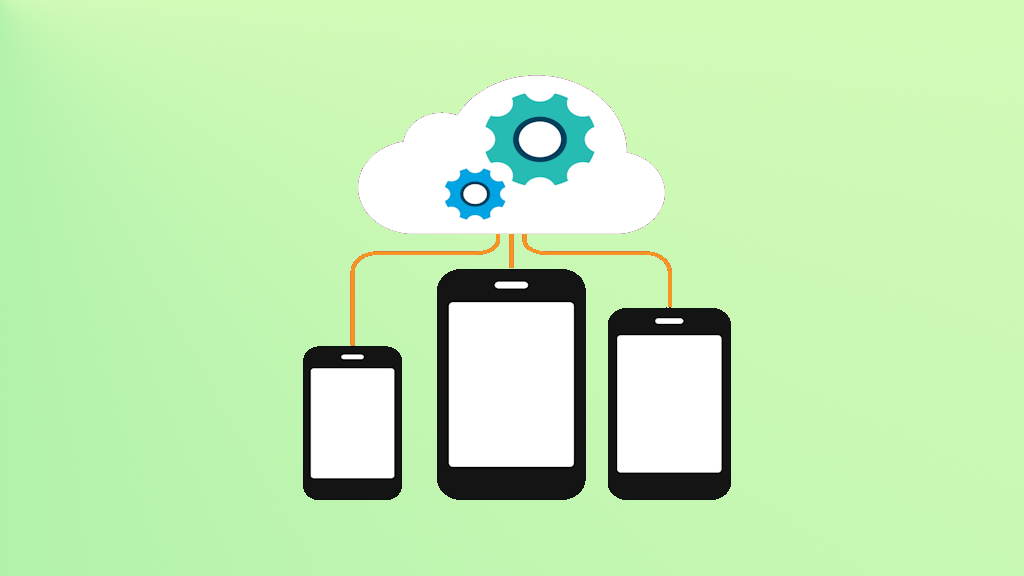
What is MDM and why is it important? MDM stands for Mobile Device Management (also known as EMM, or Enterprise Mobility Management). It refers to the configuration and management of devices, including PCs and mobile devices, that aren't necessarily limited…
Passwords: Best Practices in 2026
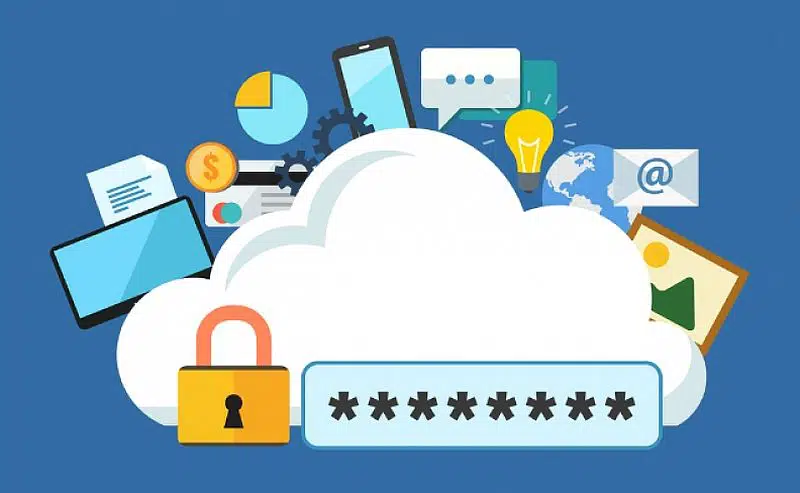
Let’s be honest – how many times have you been prompted to set up a password on some random shopping website, medical portal, social media site, or to access resources at your job? How many times have you thought to…